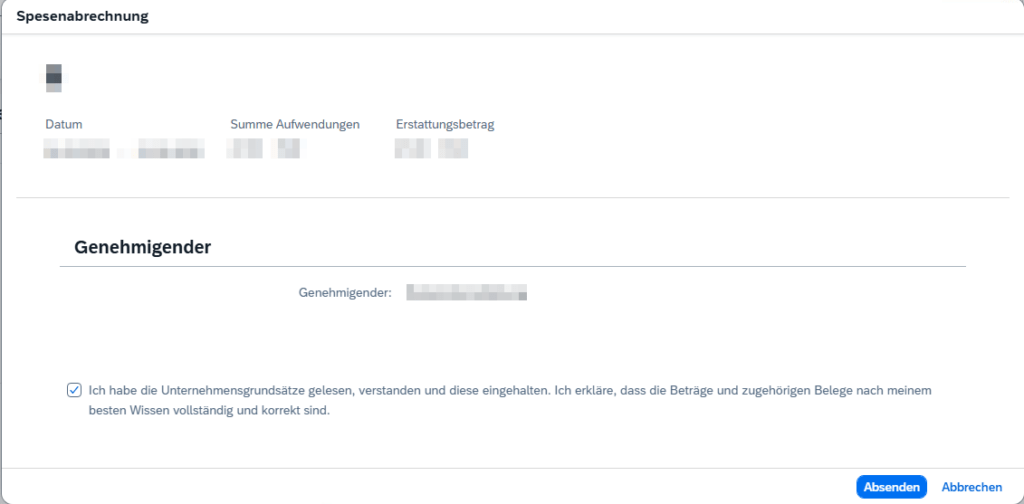
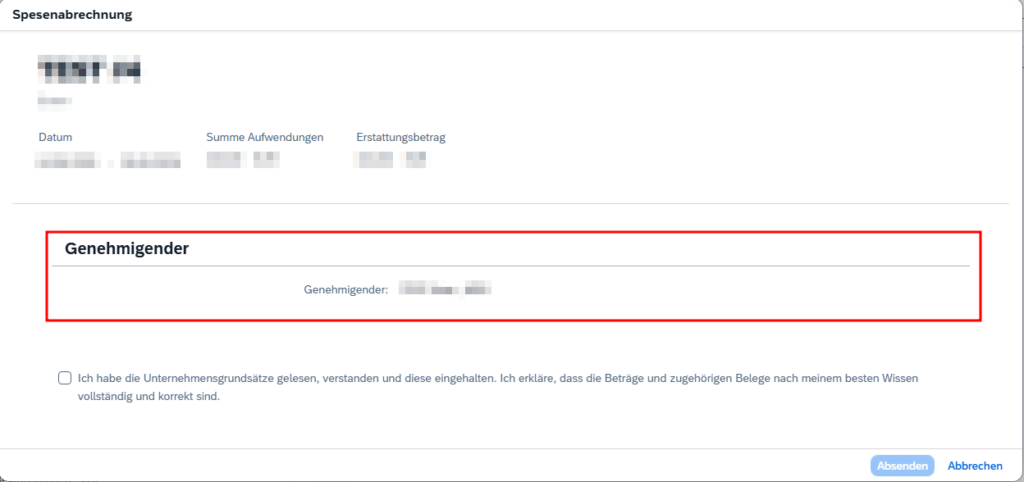
I was working with the Fiori App My Travel and Expenses for Business Traveler and implemented a new approval workflow. Unlike in the SAP standard workflow, the first approver was not the boss of the employee. The workflow was already working fine, but when sending the travel expense from the Fiori app, it still displayed the boss as approver.
Naturally, the Fiori app does not know anything from the changes on the workflow. So I had to figure out where this approver value comes from and how I could adjust it to match the workflow logic.
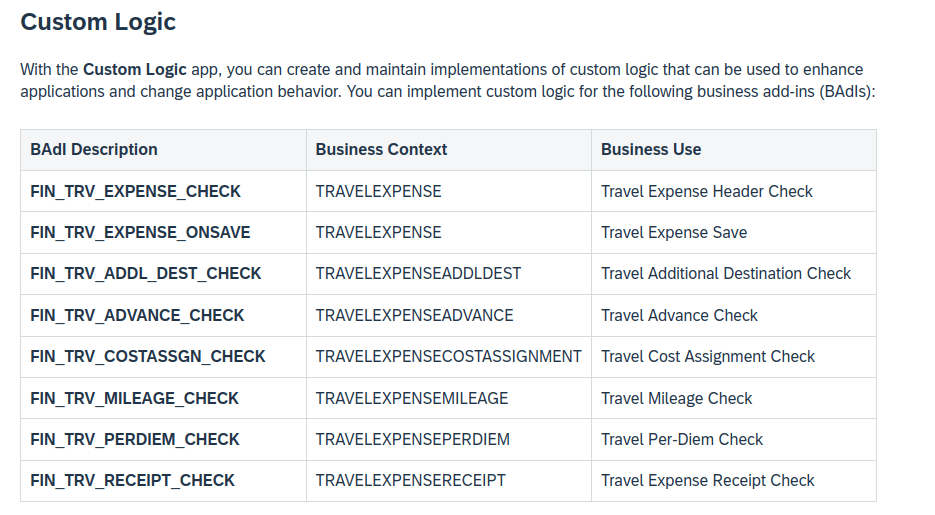
I first went to the official documentation to check if there is any BAdI to change/overwrite the approver.
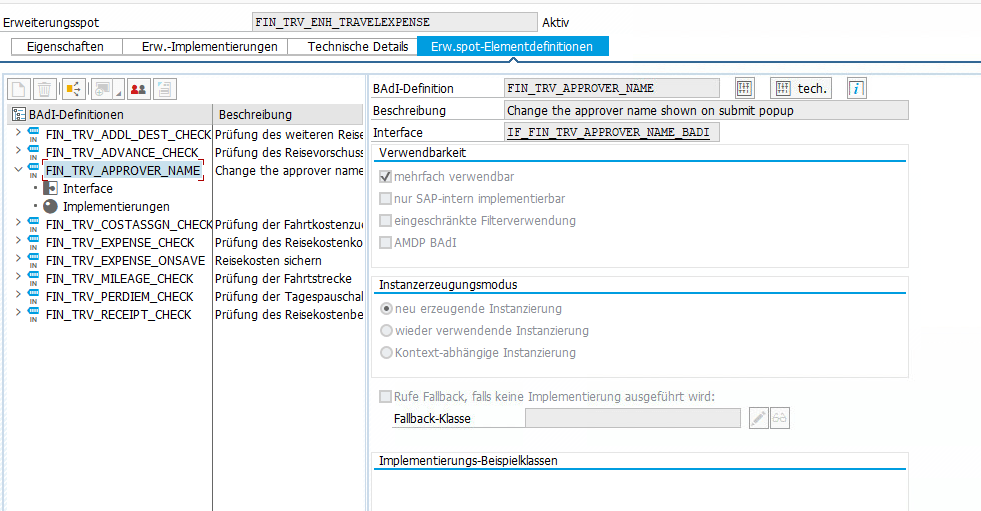
Spoiler: Actually there is a BAdI called FIN_TRV_APPROVER_NAME, but it is not listed hereor anywhere else in the documentation. As many times before, incomplete SAP documentation wasted hours of my life…..
Because I could not find a BAdI, I went to the RAP service, to check where the approver is set and if it’s possible to overwrite it in someway.
When clicking the Create and send button in Fiori, a POST request to the endpoint CheckTripAmounts is fired. The response of type cds_ui_travelexpensemanage.TravelExpenseType contains the required value in field TrvlExpnApproverName.
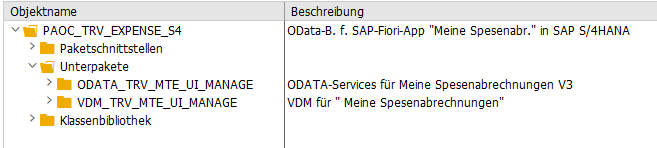
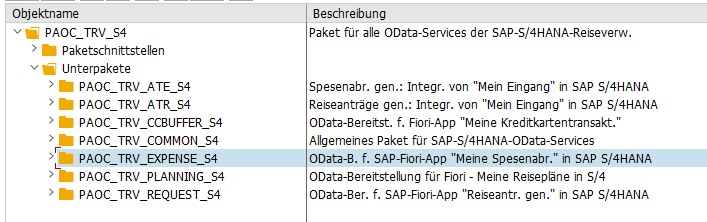
I already knew the corresponding package for RAP-Service.
In package ODATA_TRV_MTE_UI_MANAGE I found the root view entity C_TravelExpense which contained the property TrvlExpnApproverName. Its projection I_TravelExpense was located in package VDM_TRV_MTE_UI_MANAGE. I was already afraid, that the approver is somehow read via some CDS association, but it turned out to be added as empty field and properly therefore is manually filled in some behavior implementation.
cast ( ' ' as vdm_trvlexpnapprovername ) as TrvlExpnApproverName,
The related behavior implementation was in class CL_BP_I_TRAVELEXPENSE and there I found the CheckTripAmounts method, which matched the POST request I saw in the Dev console. And here I found the following logic.