Homelab, Linux, JS & ABAP (~˘▾˘)~
 

[FI-TV] Overview: Travel Management & My Travel and Expenses for Business Traveler (F6190)

Collection of useful resources, when working with the Fiori App: My Travel and Expenses for Business Traveler (F6190)

SAP Travel Management for SAP S/4HANA

SAP Help Travel Management (FI-TV)
FI-TV transactions
Reports
Tables
Good to Know: SAP Travel Management for SAP S/4HANA

Related notes:
2719018 – S4TWL – SAP Travel Management in SAP S/4HANA Suite 2022

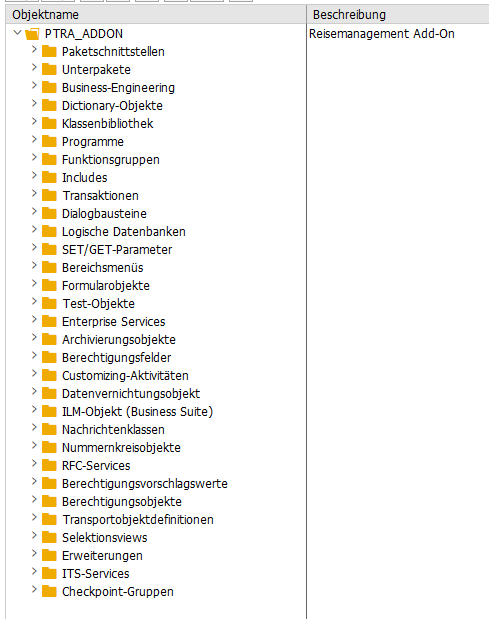
Packet: PTRA_ADDON

My Travel and Expenses for Business Traveler (F6190)

Fiori Reference Library My Travel and Expenses for Business Traveler
SAP Help My Travel and Expenses
App Extensibility: My Travel and Expenses

Related notes:
3267811 – Default Travel Expense Start and End Date and Time settings with Travel Management S/4Hana Fiori application
3591806 – Fiori Apps Travel Management Version 3: Concurrent Employment not available → Helpful Attachment ExtensionTravelProfileVH.pdf
2164524 – Customizing of authorization object P_TRAVL for restricting creating/changing of expense reports
2633200 – Expense reports with and without mandatory travel requests
3406341 – Attachments in S4Hana Fiori apps MTE V3 and MTR V3

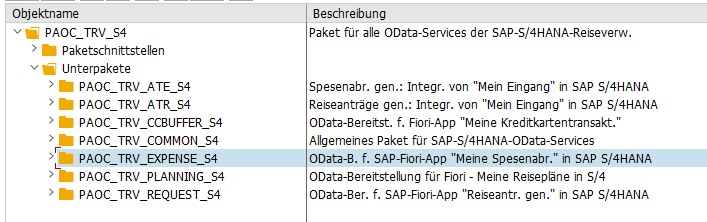
Packet: PAOC_TRV_S4

Workflow

Workflow Scenarios in Travel Management (FI-TV)
Approving a Trip
Standard WF for Approving Trips: WS20000040
Travel Management Workflow FAQ, Common Issues, Known Issues

Related notes:
2576990 – Workflow: Status of a trip after reject or send back for correction → Explanation, why the default workflows are a bit “uncomplete”

[SAP] System upgrade – Find related notes

Brief overview of how to find all notes contained in the installed SPs during a system patch.

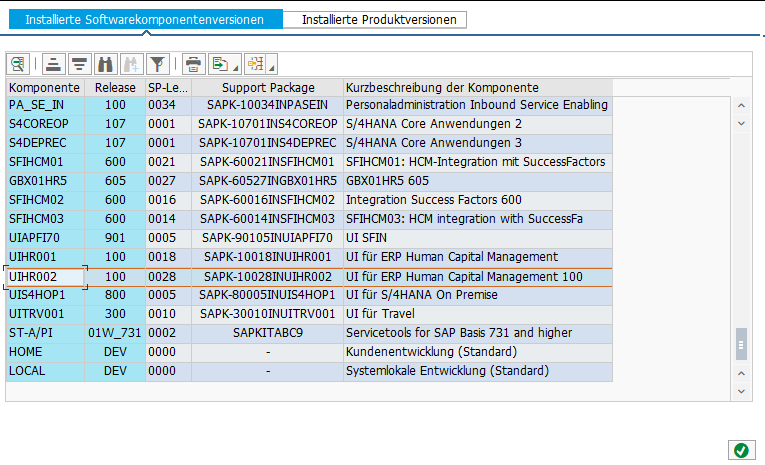
First, look up the new SP level for a specific component. For example, if the old SP level was 0026 and the patch it is 0028, you need to check the notes for SP 0027 and 0028.

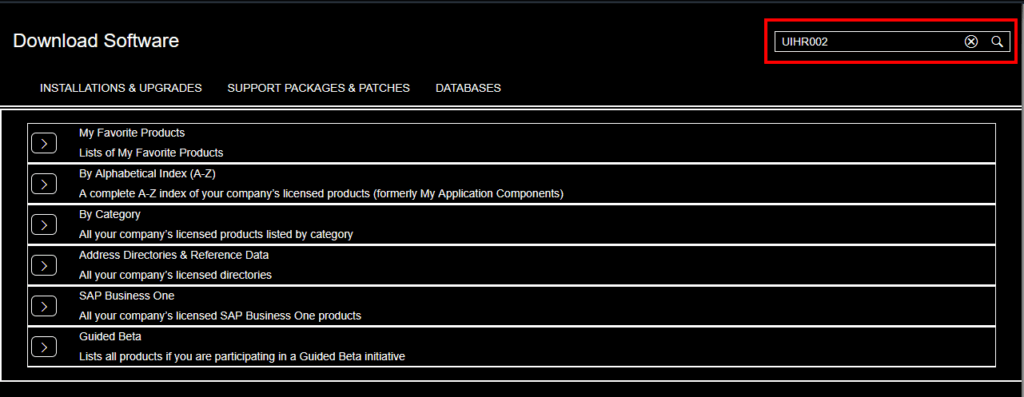
Then open the SAP Software center: https://me.sap.com/softwarecenter (or via https://support.sap.com/en/index.html and click on Software Downloads)

Search for component UIHR002

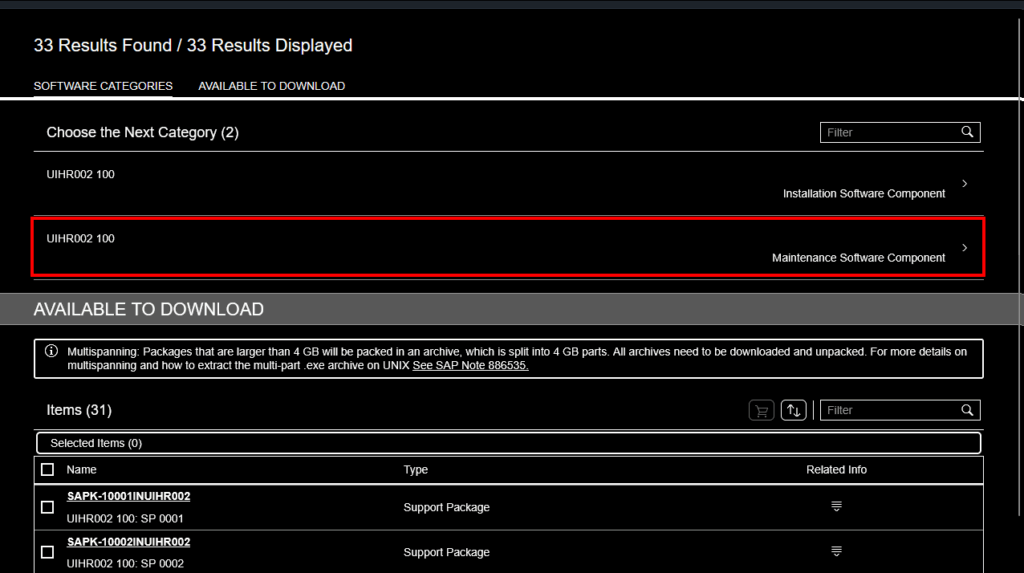
Click on “Maintenance Software Component”

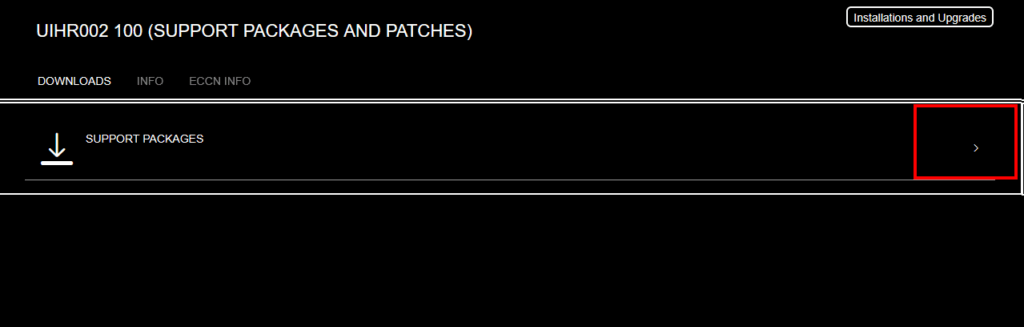
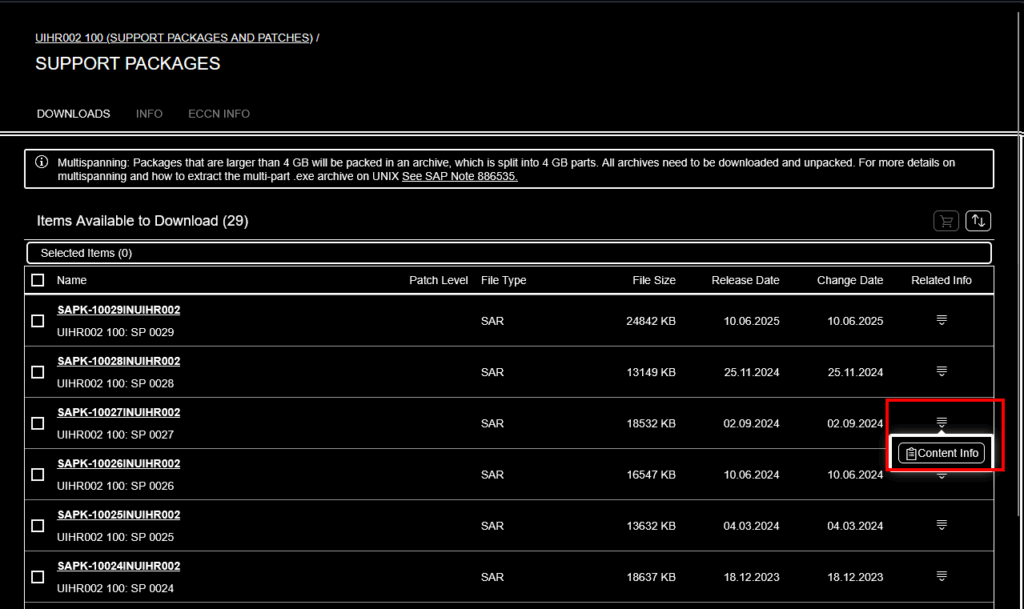
Click on “SUPPORT PACKAGES”

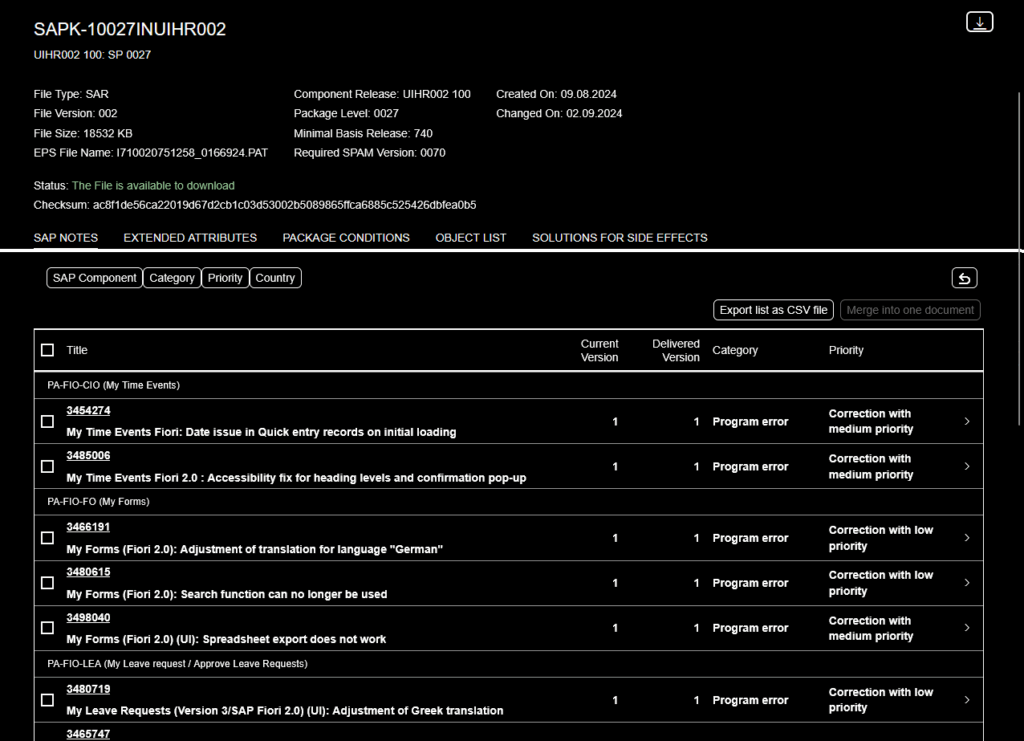
Choose a package you want to view the notes for and click on “Content Info”

Now it will list all notes which are included