
In addition to the gallery-card, which I use to display camera recordings, I also have a live stream from each of my cameras on my dashboard. This is very easy to set up using standard cards.
camera_view: live
type: picture-glance
title: ""
entities:
  - entity: binary_sensor.haustuer_motion
  - entity: binary_sensor.haustuer_person
  - entity: binary_sensor.haustuer_visitor
camera_image: camera.haustuer_fluent
aspect_ratio: "4:2.8"
tap_action:
  action: navigate
  navigation_path: /lovelace-bornkamp/camera_door
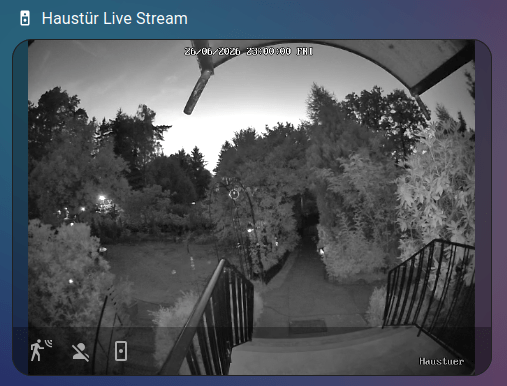
When clicking on the card, it navigates to a new view displaying the stream in full-screen. To do this, set the view type to type: panel.
theme: kibibit-dark-cards
title: cam door
path: camera_door
type: panel
badges: []
cards:
  - camera_view: live
    type: picture-glance
    title: ""
    entities:
      - entity: binary_sensor.haustuer_motion
      - entity: binary_sensor.haustuer_person
      - entity: binary_sensor.haustuer_visitor
    camera_image: camera.haustuer_clear